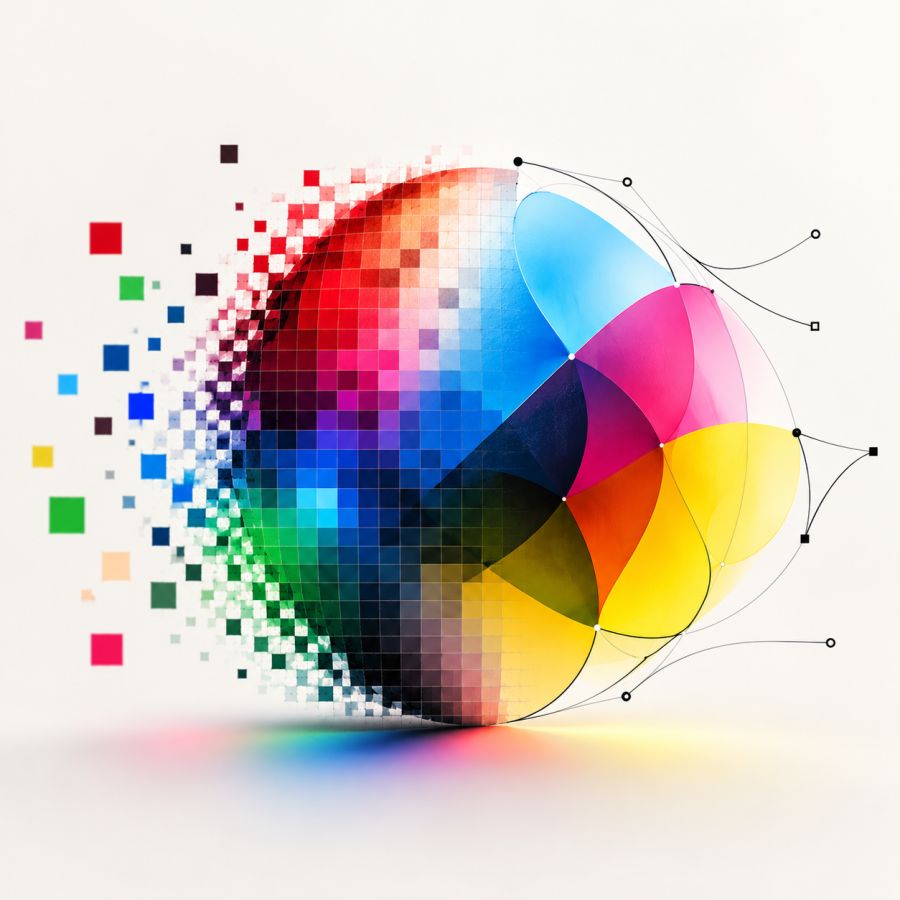
Raster or vector? CMYK or RGB?
You take a photo, add it to your website and perhaps use the same image later in a brochure. Yet not every image is suitable for every application. As soon as you want to enlarge, print or publish an image online, its file type and colour settings become important.
Two key distinctions will help you avoid common problems: RGB versus CMYK and raster versus vector.
RGB and CMYK: colour for screens and print
RGB stands for red, green and blue. Screens build colours using light from these three colour channels. With no light, you see black. When red, green and blue are combined at full intensity, the result is white. RGB is therefore the usual colour mode for websites, social media, presentations and other digital applications.
CMYK stands for cyan, magenta, yellow and black. In print, we generally start with white paper and apply inks to it. These inks absorb some of the light and together create the final colour. CMYK is mainly used for commercial printing with four process colours.
RGB can display brighter colours than standard CMYK inks can reproduce. Colours may therefore change during conversion. The size of the difference depends on factors such as the printing technique, the paper and the colour profile used.
Use RGB for digital applications. For print, it is best to follow the technical specifications of your printer or production partner. Sometimes you provide a finished CMYK file, while in other workflows the conversion is done during prepress. So do not simply convert an image without knowing which colour profile is required.
Raster and vector: pixels or shapes
A raster image consists of a fixed grid of small picture elements, or pixels. Each pixel has its own colour. Photos taken with a camera or smartphone are raster images, as are files in formats such as JPG, PNG, TIFF and WebP.
Because a raster image contains a fixed number of pixels, it can become blurred or visibly pixelated when enlarged considerably. The number of pixels matters, but should always be considered in relation to the size at which you want to display or print the image. More megapixels alone do not automatically make a photo better.
A vector image is made up of points, lines and shapes that are described mathematically. This means it can be enlarged or reduced without losing sharpness. Vector files are therefore particularly suitable for logos, icons, illustrations and other graphic elements that need to be used at different sizes.
A photo will usually remain a raster image. A logo should ideally also be saved as a vector file, for example in AI, EPS, SVG or a suitable PDF format. Some files can combine raster and vector elements.
Which file do you need?
- For a photo on a website, you will generally use a raster file in RGB.
- For a logo or icon, choose a vector file wherever possible.
- For a photo in print, you need enough pixels and the correct colour profile.
- For professional print, follow the agreed file specifications.
The right file therefore depends not only on what it contains, but above all on what you want to use it for. Wherever possible, always keep the original file. From that, you can create the appropriate version for screen, print or a large-format application.